
Many drivers notice the same frustrating issue. Their car audio system sounds balanced and enjoyable in city traffic, yet once they hit the highway, everything changes. Bass feels weaker, vocals lose clarity, and turning up the volume only makes the sound harsher. This is not a flaw in your music or speakers. It is the result of road noise, wind, and cabin acoustics working against your audio system.
Optimizing audio settings for highway driving is not about buying new gear. It is about tuning what you already have so it performs better at higher speeds. With the right adjustments, you can enjoy clear vocals, controlled bass, and comfortable listening even during long highway drives.
How Highway Noise Changes the Way Audio Sounds
Highway driving creates a very different listening environment compared to slow city speeds. Tire noise, wind resistance, and engine sound all combine to raise the background noise level inside the cabin.
Road, Wind, and Tire Noise Explained
At highway speeds, low-frequency road noise becomes constant. This noise masks bass and lower midrange frequencies, making music feel thin or muddy. Wind noise often adds hiss-like energy that competes with higher frequencies, which can make treble sound sharp or tiring.
Because this noise is continuous, your ears work harder to separate music from background sound. That fatigue becomes noticeable on long drives.
Why Audio Feels Different at 70 Miles Per Hour
As speed increases, the cabin behaves differently acoustically. Vibrations travel through doors, panels, and the floor. Reflections inside the car shift, which alters imaging and balance. Simply raising volume does not restore detail. In many cases, it makes distortion more obvious.
Start With a Clean Baseline for Tuning
Before adjusting anything for highway driving, you need a neutral starting point. Skipping this step leads to stacked changes that are hard to control.
Reset EQ, Balance, and Fader
Begin by setting the equalizer to flat. Disable bass boost and sound presets. Return balance and fader to the center. This creates a clean reference so you can hear what each adjustment actually does.
Many systems sound worse because several small boosts add up to distortion. A reset removes that problem.
Set the Listening Position First
Most highway driving is done solo. Slightly biasing balance toward the driver helps maintain clarity. This is especially helpful in cars where the driver sits closer to one side of the speaker layout.
Equalizer Settings That Work Better on Highways
Equalization plays a major role in how well your system performs at speed. The goal is not excitement but clarity and comfort.
Frequencies Most Affected by Highway Noise
Low bass often disappears first due to road noise. Upper midrange can become harsh as wind noise adds energy in similar ranges. Vocals usually sit in the middle frequencies, which makes them vulnerable to masking.
Recognizing these problem areas helps guide smarter EQ changes.
Practical EQ Strategy for Highway Driving
Instead of boosting bass heavily, try small midrange adjustments that bring vocals forward. Reduce extreme treble slightly if it becomes fatiguing. Keep changes subtle. One or two decibels often make a bigger difference than expected.
A flatter curve with gentle shaping tends to outperform aggressive preset curves on long drives.
Why Preset EQ Modes Often Disappoint
Preset modes like rock or bass boost are designed for excitement at low volume. They do not account for cabin acoustics or road noise. Manual tuning always delivers better results for highway use.
Gain Structure and Volume Control at Speed
Many people confuse gain with volume. This misunderstanding leads to distortion that becomes obvious on highways.
What Gain Really Controls
Gain matches the signal level between the head unit and amplifier. When set too high, it causes clipping. When set correctly, it keeps sound clean even at higher listening levels.
Setting Gains for Highway Listening
Set gains so the system plays loudly without audible distortion. This allows you to raise volume on the highway without harshness. Clean gain structure improves clarity more than any EQ adjustment.
Crossover Settings for Clearer Highway Audio
Crossovers determine which frequencies each speaker handles. At highway speeds, correct crossover settings reduce strain and improve focus.
Why Crossovers Matter More at High Speed
Sending bass to small speakers causes distortion. Sending vocals to subwoofers muddies sound. Crossovers prevent overlap and keep each driver working in its comfort zone.
Recommended Crossover Ranges
Most door speakers perform best when crossed over between 80 and 100 Hz. Subwoofers usually blend well in the same range. These settings reduce distortion and maintain clarity when background noise increases.
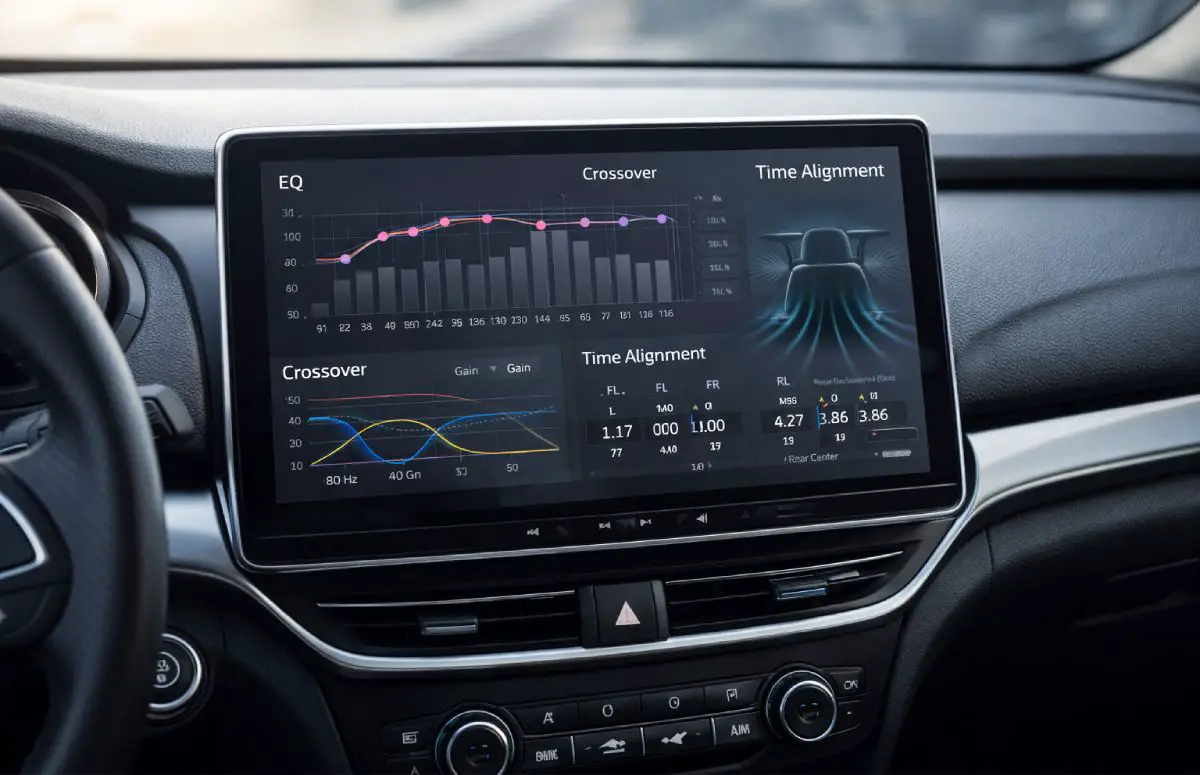
Time Alignment and DSP for Highway Stability
Advanced tuning tools offer major benefits for highway driving, especially in uneven cabin layouts.
How Time Alignment Improves Imaging
Speakers sit at different distances from your ears. Time alignment delays closer speakers so sound arrives together. This stabilizes the soundstage and keeps vocals centered, even as noise levels rise.
DSP Advantages for Long Drives
Digital processing allows precise control over EQ, crossover, and timing. This precision reduces listening fatigue and maintains balance at speed.
When DSP Is Worth Using
DSP shines in complex systems or vehicles with poor factory speaker placement. In simpler setups, careful manual tuning still provides noticeable gains.
Subwoofer and Bass Control on the Highway
Bass behavior changes dramatically at higher speeds. Poor bass control causes rattles and masks detail.
Why Excess Bass Hurts Clarity
Road noise already occupies low frequencies. Overpowering bass adds vibration without improving impact. This often forces you to turn the volume higher, which increases fatigue.
Subwoofer Level and Phase Adjustments
Lower the subwoofer level slightly for highway driving. Adjust phase so bass blends smoothly with front speakers. Proper integration creates fullness without overpowering vocals.
Sound Deadening Versus Audio Tuning
Physical noise control and electronic tuning work together, but they serve different roles.
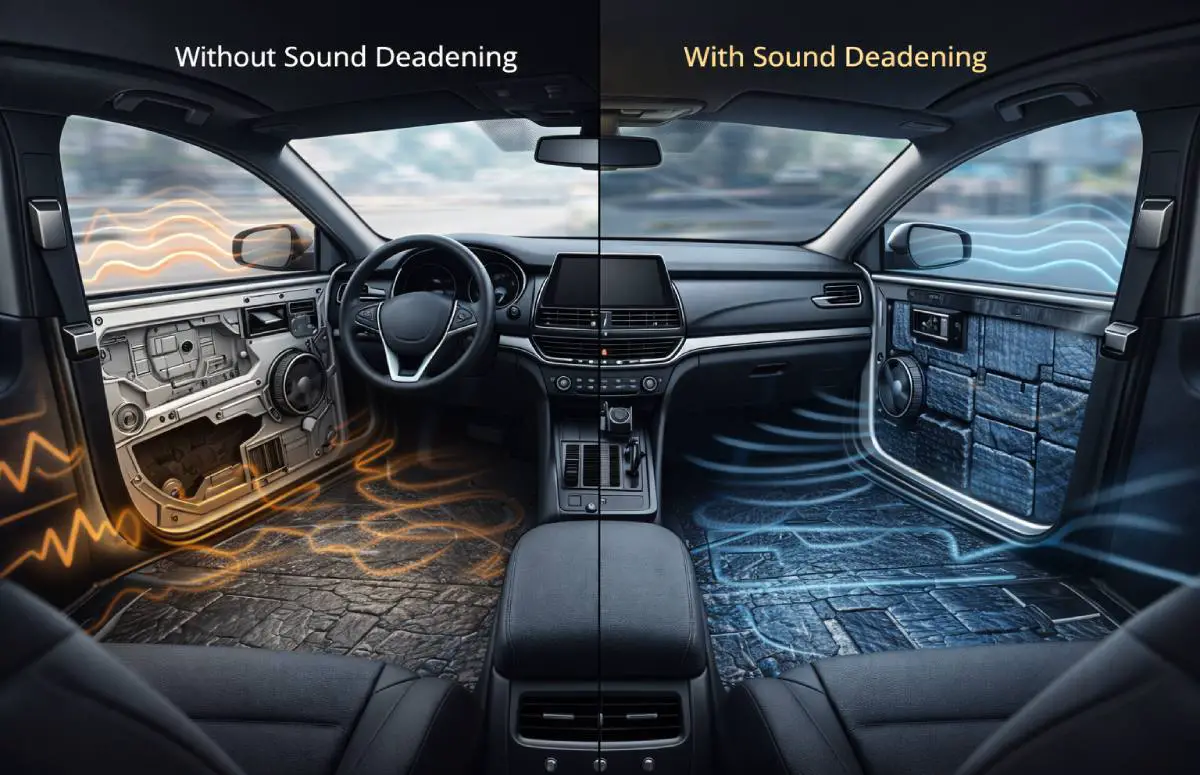
What Sound Deadening Improves
Deadening materials reduce vibration and lower the noise floor. This allows your tuning changes to be more effective and reduces the need for higher volume.
When Tuning Alone Is Enough
For many drivers, careful EQ, gain, and crossover adjustments provide major improvement without physical modifications. Deadening becomes more valuable in louder vehicles or high-power systems.
Optimizing Audio for Music Versus Spoken Content
Highway tuning can change based on what you listen to most.
Music Listening on Highways
Balanced tuning works best. Focus on vocals, controlled bass, and relaxed treble. This approach suits most genres and keeps fatigue low.
Podcasts and Audiobooks
Spoken content benefits from stronger midrange presence. Reduce bass and high treble slightly so voices remain clear over road noise.
Common Mistakes That Ruin Highway Audio
Several habits prevent systems from sounding good at speed.
- Overusing bass boost or treble boost
- Using volume instead of tuning to fight noise
- Ignoring gain and crossover setup
- Relying on preset sound modes
Avoiding these mistakes leads to immediate improvement.
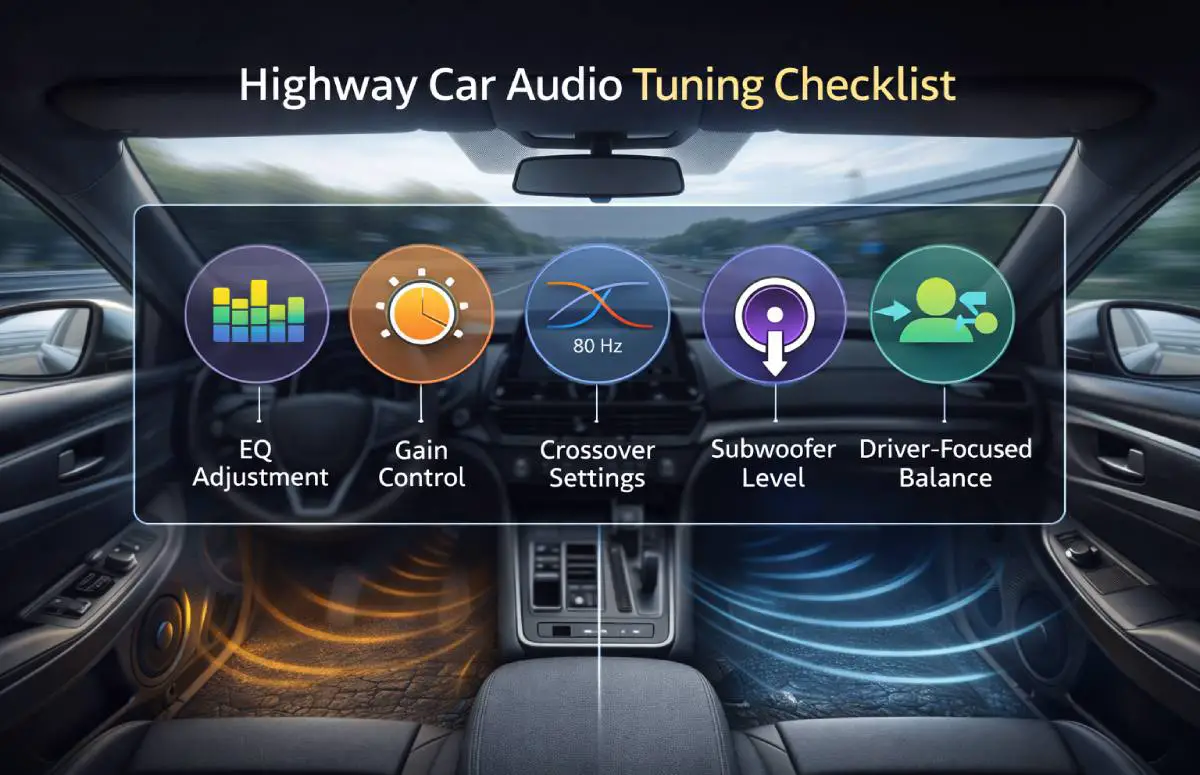
Quick Highway Audio Tuning Checklist
- Start with flat EQ
- Set clean gain structure
- Use proper crossovers
- Lower subwoofer level slightly
- Bias balance toward the driver
Frequently Asked Questions
Why does my audio sound harsh on highways?
Road and wind noise mask detail, forcing you to raise volume, which exposes distortion.
Should I use different settings for highway driving?
Yes. Small adjustments improve clarity and comfort at speed.
Does sound deadening help more than tuning?
Deadening lowers noise, but tuning usually delivers faster results.
Is DSP necessary for highway listening?
DSP helps but is not required for noticeable improvement.
Can factory systems be optimized?
Yes. Proper tuning improves most factory setups significantly.
Final Thoughts on Highway Audio Optimization
Optimizing audio settings for highway driving is about clarity, not volume. Road noise changes how sound behaves, but smart tuning restores balance and comfort. By focusing on EQ, gain structure, crossover settings, and listening position, you can enjoy clean sound even at high speed.
Make small adjustments, test them during real drives, and trust your ears. A well-tuned system turns long highway trips into relaxed and enjoyable listening experiences.